
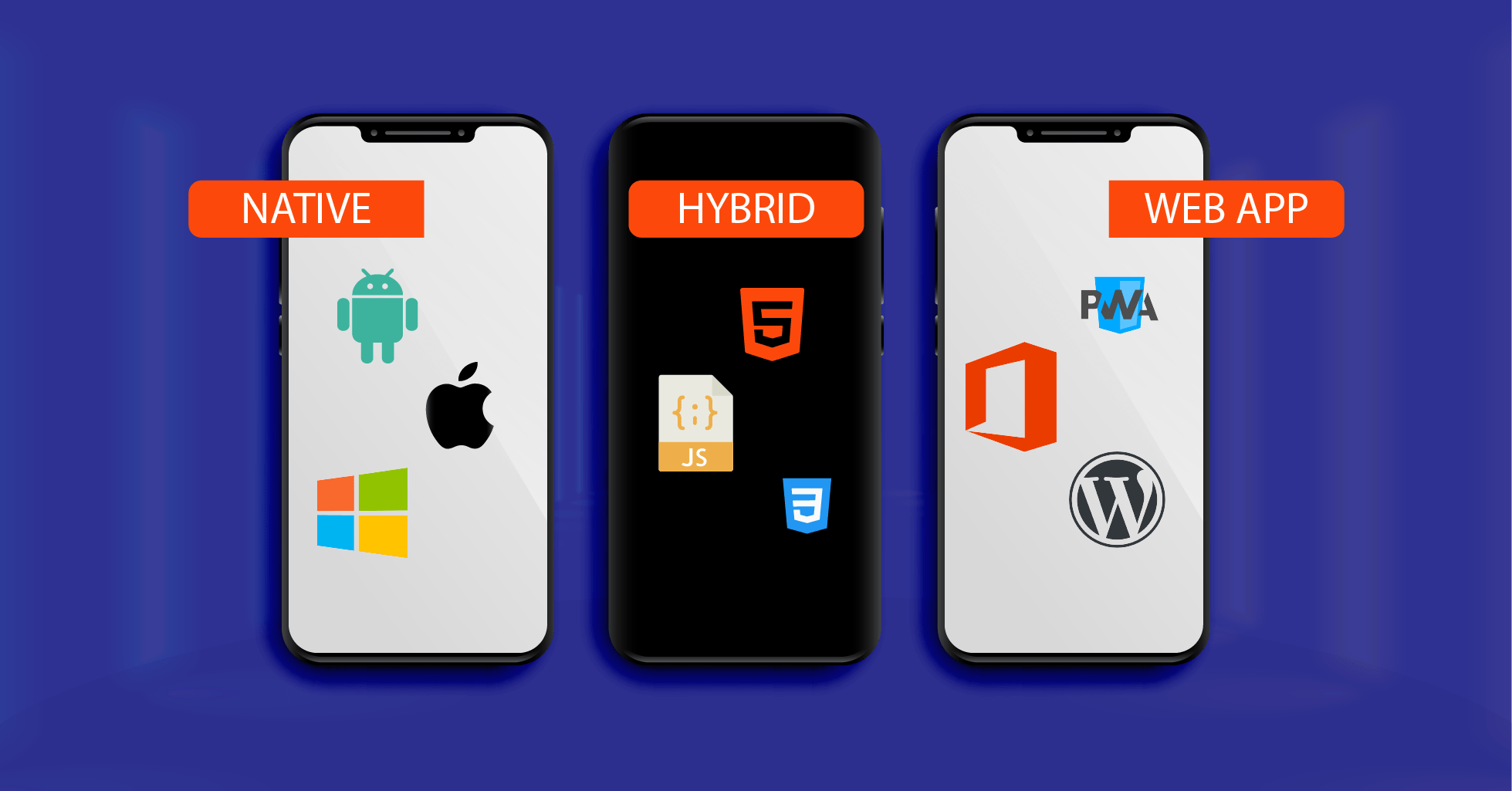
Starting out building an app? Picking among native, hybrid, or web versions often feels unclear at first. One after another, each option brings distinct strengths – yet also trade-offs – to the table. This walkthrough explains it all without complexity. Clarity comes through plain examples meant for those just getting started.
Table of Contents
Native Apps Explained
Apps made just for one system – say, Android or iOS – use code that belongs only to that environment. Built-in tools shape how they run, tied close to the device’s own language.
Kotlin or Java – that’s what powers apps on Android devices. When it comes to iOS, Swift steps in, sometimes handing off to Objective C.
On your phone, native apps live right inside the system, tapping into tools such as the camera or location services without limits. Built-in functions respond naturally when these programs reach out to microphones or motion detectors. They operate close to the metal, pulling data from physical parts whenever needed.
Native Apps Work Faster And Use Phone Features Better
Smooth animations come naturally when an app is built just for one system. Because it fits the device perfectly, everything reacts quickly. A tighter fit means people enjoy using it more.
With complete control over hardware functions, these apps handle demanding tasks – think fast-paced games, financial services, or heavy-duty software – without skipping a beat.
Native Apps Come With Limitations
What slows things down most? Time plus money. Building two versions – one for each platform – takes more work. Separate code means longer builds.
Facing new platforms often means picking up separate coding tongues, a tough start for those just beginning.
Hybrid Apps Explained
One code runs them both – Android, also iOS. Tools such as Flutter shape those apps; others pick React Native or Ionic instead.
Some apps mix features found in regular phone programs with pieces built like websites.
Hybrid Apps Combine Web and Native Features
One reason hybrid apps take less time to build? The same code runs on different devices without rewriting. A single version works everywhere, cutting down development hours significantly.
One reason they suit new projects well? Lower costs open doors without heavy spending. Updating feels simpler too – just a single codebase keeps things moving behind the scenes.
Faster than expected, frameworks such as Flutter deliver smooth visuals along with responsiveness close to what devices offer natively.
Hybrid Apps Have Limitations
When it comes to intense tasks – say high-end games or intricate motion effects – hybrid apps can fall short compared to their native counterparts.
Some tools might work fine, yet others could be off limits because of how the system is built.
Web Apps Explained
Running inside your browser, web apps skip the need for installation on a machine. Instead of living on your computer, they operate through internet connections. Browser-based by design, these programs load without downloads. Not stored locally, they function entirely online. Access happens via URL, avoiding setup steps altogether.
These get made with tools such as HTML, along with CSS, while JavaScript helps too.
Take web stores, for instance. These pop up in your browser just like messaging tools do. Email works much the same way. So do those apps where people share updates and photos. Social networks live right there too, running inside the window you already use every day.
Web Apps Offer Accessibility and Ease of Use
Building web apps tends to happen quickly since they skip the setup steps. Through a browser, pretty much every gadget runs them.
Costs stay lower when building them, plus upkeep isn’t as heavy a burden – especially next to native or hybrid versions.
Changes show up right away since the server handles them first. The moment something shifts on that end, it appears without delay.
Web Apps Have Limitations
When there is no internet, web apps usually stop working. Their function relies entirely on a live connection.
Access to hardware on these devices stays restricted. A smoother ride often comes with native apps instead.
Key Differences Explained
When it comes to speed and powerful tools, native applications usually win. Though some options exist elsewhere, nothing quite matches their smooth operation.
For building across platforms quickly, hybrid apps work well because they save time during creation. Still, their strength shows most when teams need one version that runs on many devices.
Most times web apps work well when tasks stay basic. Accessibility tends broader compared to heavier software. Simple tools fit here naturally instead of complex workflows.
Which One Should You Choose
Starting out in 2026? Try hybrid first – simple to pick up, works on Android as well as iOS. While native takes longer, this path gets you going faster. One skill set, two platforms covered.
For top speed, pick native when focusing on just one system. That path fits those ready to go deep into a single environment.
Start with web apps when aiming for quick, straightforward software that works right away. Though limited in features, they open on most devices without extra setup. Their speed comes from running inside browsers, skipping complex installations. Simplicity here means fewer parts to manage. Because of this, updates happen smoothly across users. When ease matters more than power, these tools fit naturally.
Final Thoughts
Which type of app works best? Not so fast – there’s no one winner among native, hybrid, or web. Success rides on what you aim to do and the demands of your project.
Starting out? Try tools such as Flutter or React Native – they keep things light yet powerful, mixing ease with room to grow. While simpler than native options, these picks adapt fast when projects shift direction.
Later on, while building skills, trying out both native and web apps becomes possible. One step at a time opens more paths forward.
Also Check How to Start Mobile App Development – Powerful Guide – 2026